Global Setting
Learn about the settings that are applied for ANSVIS Server
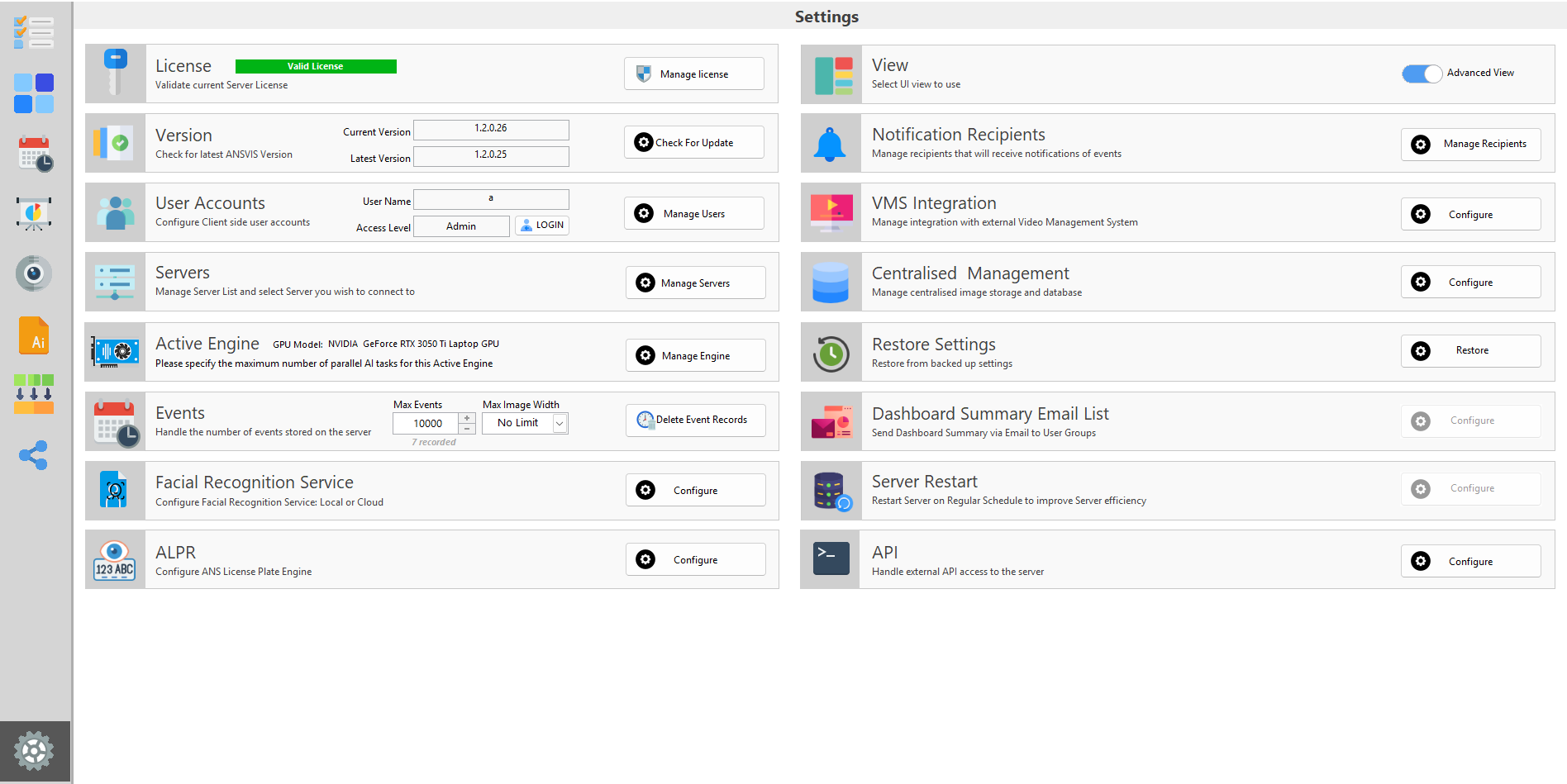
Client Accounts
The ANSVIS supports multiple account roles to help manage user access to ANSVIS Server. Each role is designed for a specific level of responsibility and functionality within the ANSVIS Server.
Manage Servers
Manage servers
Event Storage
By default, events are stored in ANSVIS servers. By going to the Setting page, you have some options to control how events are kept
Active Engine
Overview
Cloud Storage
ANSVIS supports integration with external storage services for uploading captured media (images/videos).
Backup Settings
The Backup & Restore feature in ANSVIS allows you to safeguard and recover your system configuration with ease. It ensures that your server settings can always be restored or migrated when needed.